
Create a new volunteer record from a program
Note: If you have the role of Program Coordinator, you will not be able to create a new volunteer record.
Create a single new volunteer
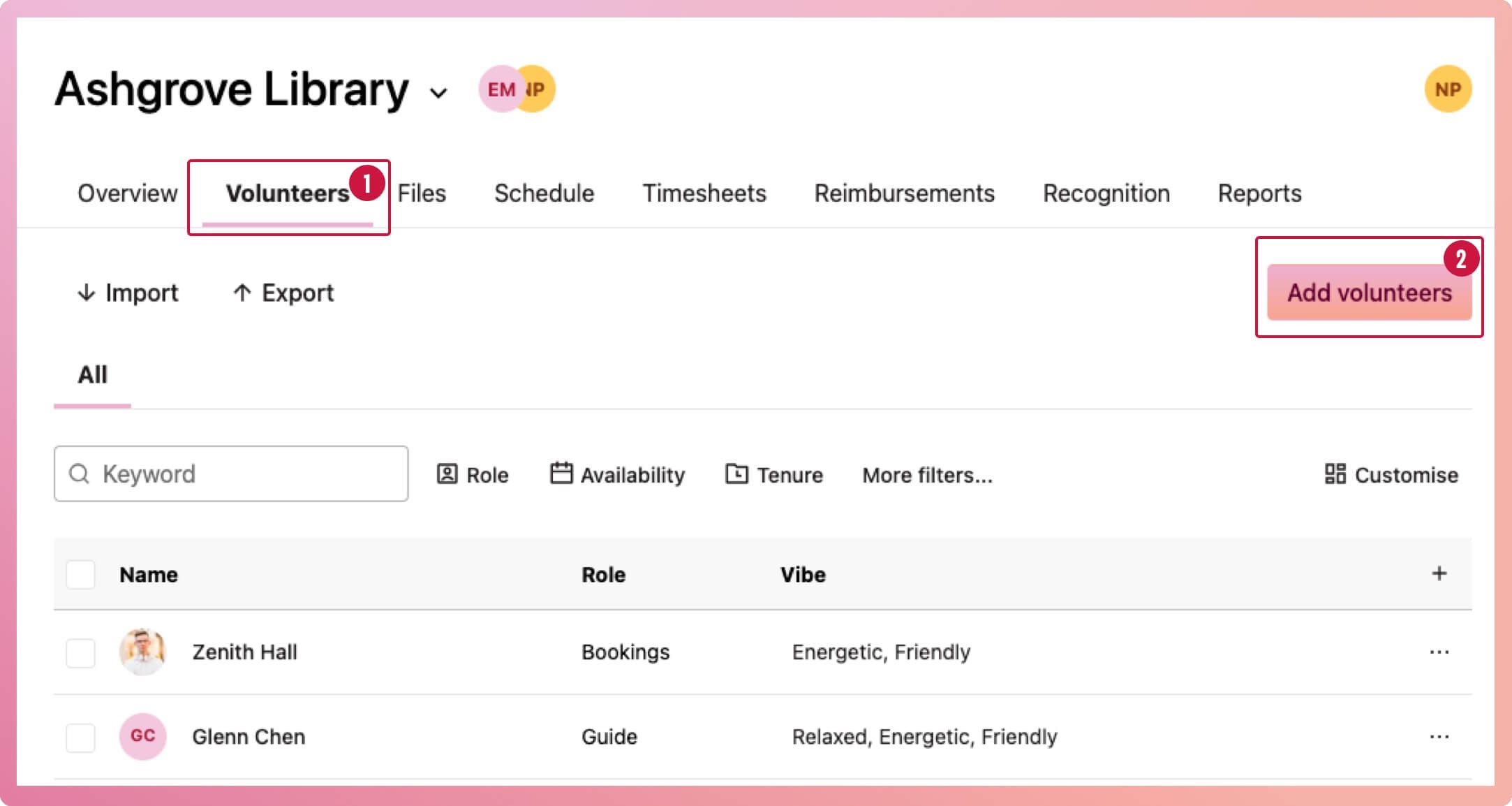
- Navigate to the program and select the Volunteers tab
- Select the Add volunteers button
- When the Add volunteers modal appears, select the dropdown to display a list of volunteers, then search for the volunteer by name, just in case they already have a record with your organisation. This will save any headaches later!
- If there is no record yet, select the link 'Create new volunteer' below the dropdown on the same modal, which will launch another modal to add the new volunteer's details
- Fill in at least one of the identifying fields, then select the save button. This creates the volunteer record. Next, you need to add them to your program
- When you return to the Add volunteers modal again, select 'add' to add the new volunteer to your program
Import several volunteers at once from a csv file
- Navigate to the program and select the Volunteers tab
- Select the Import button
- When the import modal appears, choose your CSV of new volunteers, then select the upload button
- Check that the data is going to the correct INVOLVE field. A sample of the data is shown to help you confirm this.
- Select the Continue button and wait while INVOLVE imports the volunteers. An import summary will give you the results.
Tip: You can download a sample CSV file to see what yours should look like. You can download it from the import modal or here.
Invalid records
Sometimes we cannot add certain volunteers because they have an unknown character or are already in the system. The import summary will alert you if this is the case and allow you to download exactly which records did not get imported, so you can correct them and import them again
Complex imports
If you have data with no matching field, you can create a custom field to house it. The custom field must be created before importing.