Clocked-on volunteers
The Clock-on tool helps not only record volunteering hours by allowing volunteers or managers to easily clock in when they start a shift and clock out when they finish, but also provides a way to see who is in.
Note: This feature is available to Premium and Essential tier plans only
How to clock-on volunteers
See this article for instructions on clocking volunteers on and off.
See who is clocked-on
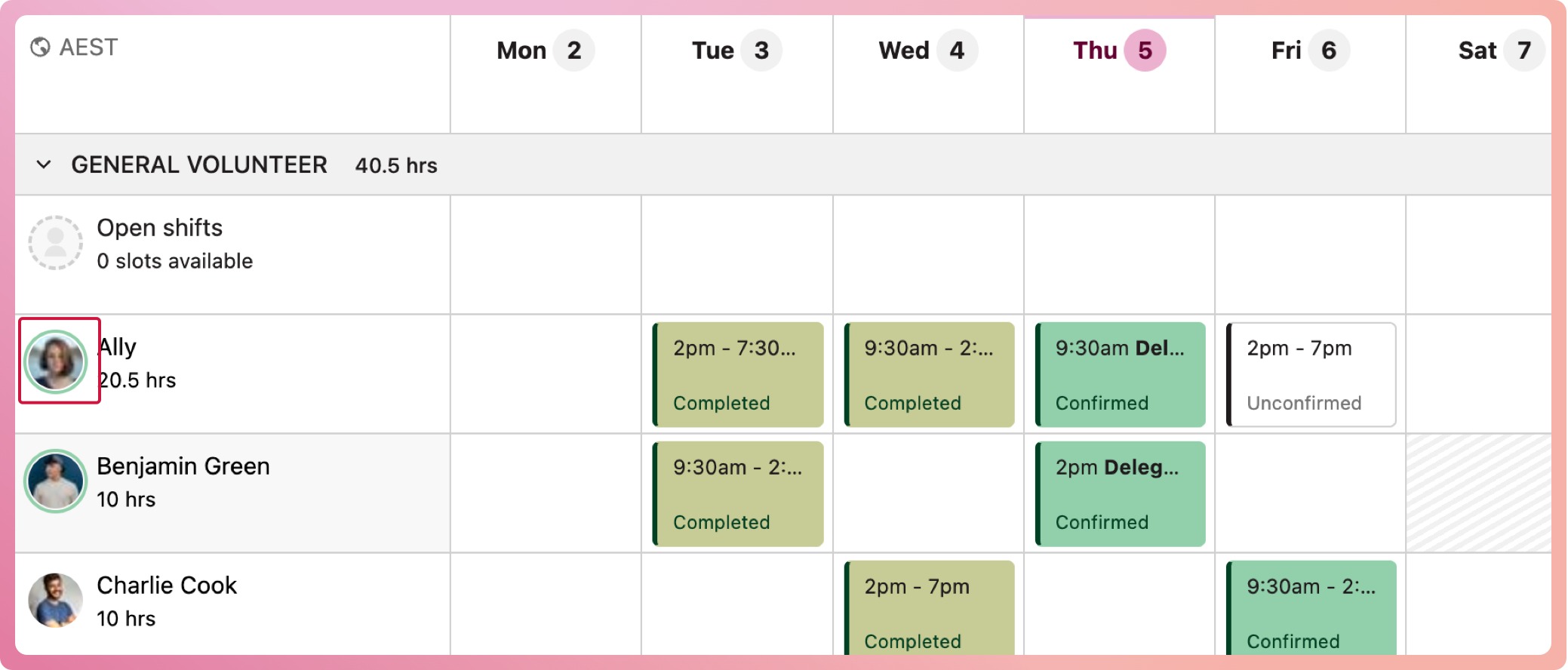
When a volunteer is clocked on, their avatar will appear with a circle surrounding it. This will show in program volunteer lists, the program schedules and organisation volunteer lists
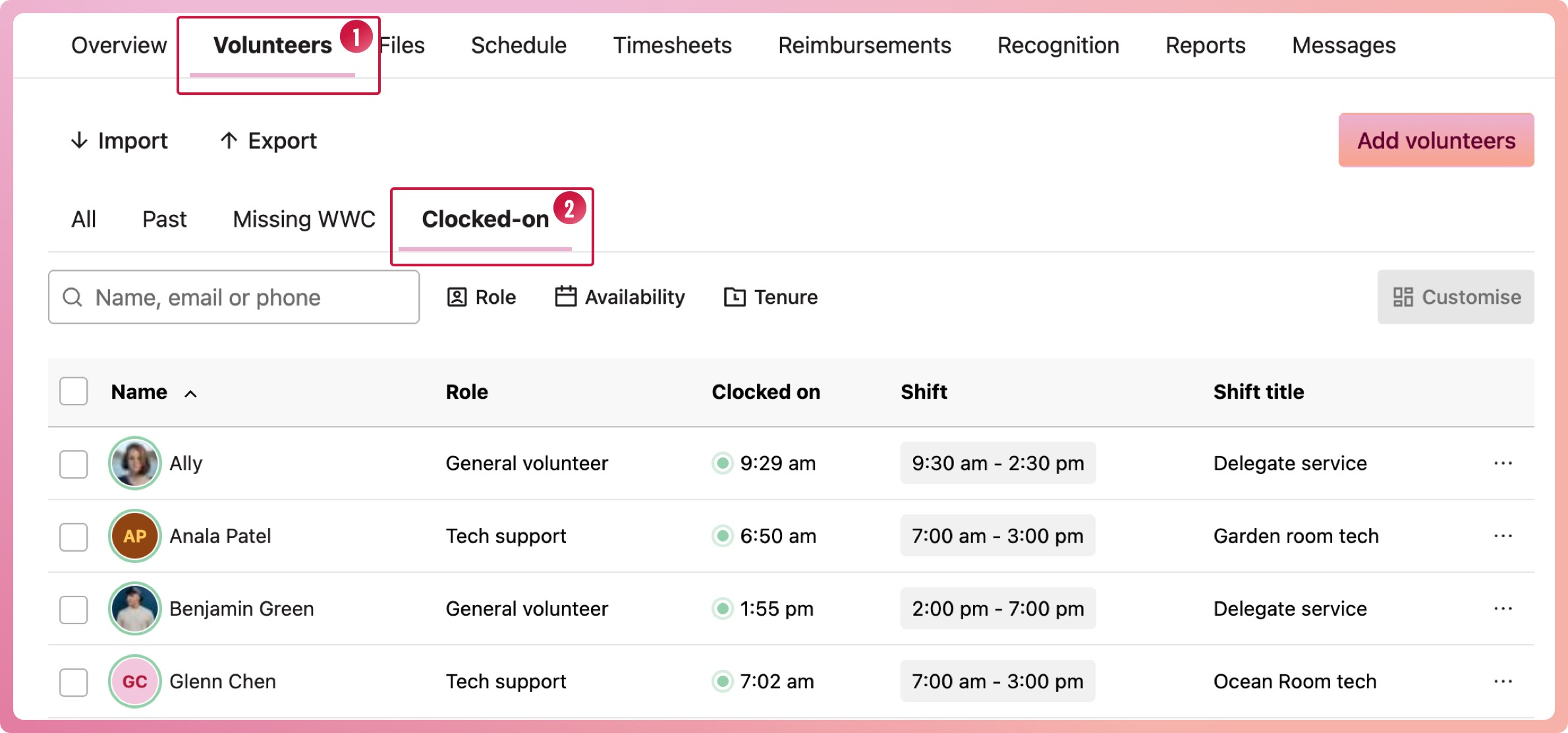
To see only volunteers who are currently clocked-on we have created a filtered list from the volunteers' view in each program:
-
Navigate to a program and select the Volunteers tab
-
Select the clocked-on tab above the list of volunteers