
How to: respond to open shift requests
When a volunteer requests a slot on an open shift, you will need to approve or deny the request.
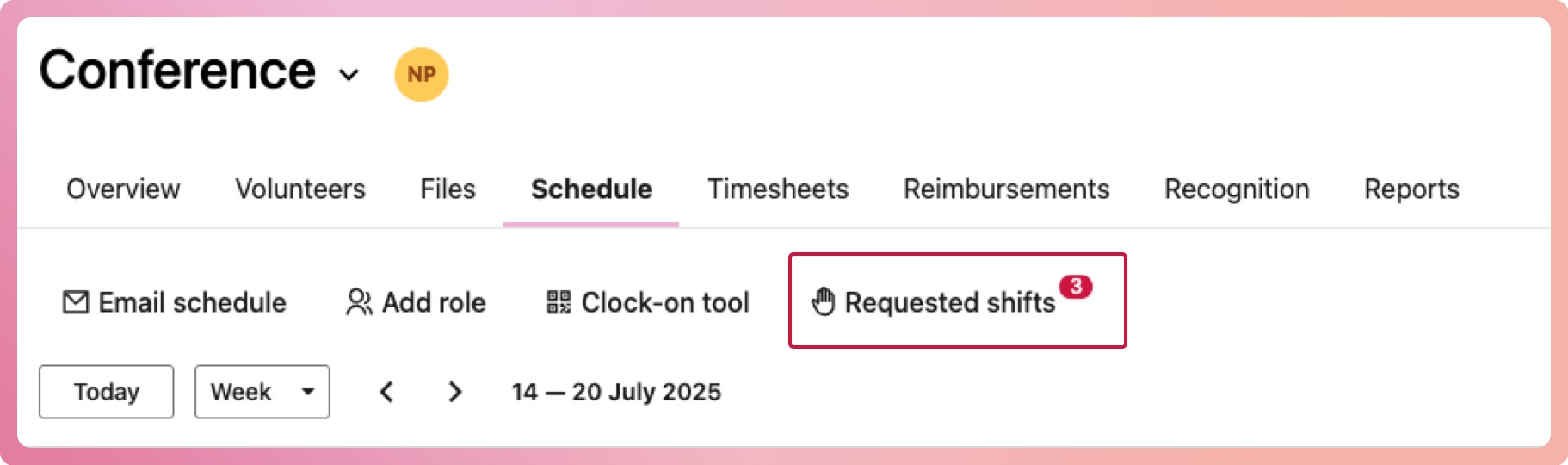
- Navigate to your program and select the Schedule tab
- Select the Requested Shifts button, which will have a notification when a shift request comes in
- Select to approve or deny the request
- The shift status will change from requested and the volunteer will be notified of the outcome.
Going further: learn more about open shift slot allocation, including how to assign and unassign them from the schedule.