
Assigning Staff to manage a program
Assign Staff to a Program
-
Select the program from the left-hand side bar
-
Navigate to the Overview tab
-
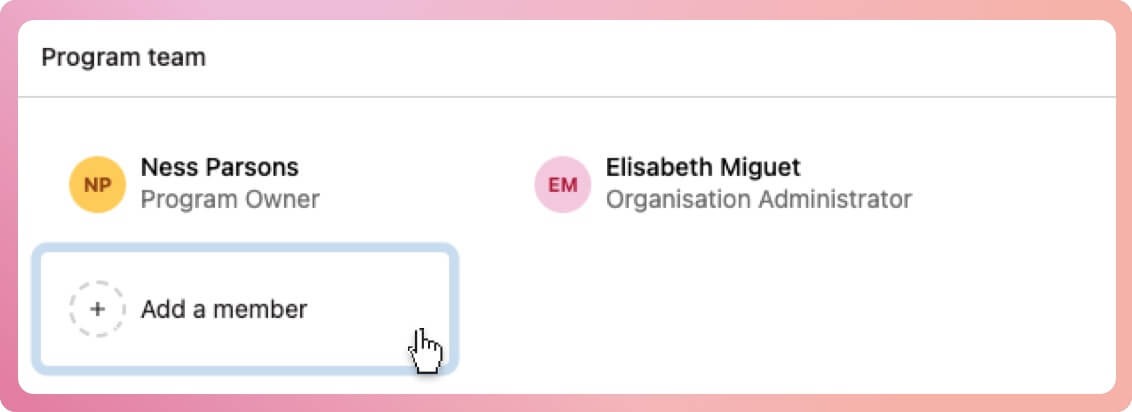
Locate the box titled Program team
-
Select the Add a member button
-
When the modal box appears, select the team from the staff list
-
Select the add button at the bottom of the modal to finalise
Note: Program Coordinators cannot assign staff to the program