Restoring archived volunteers
How to restore a volunteer
-
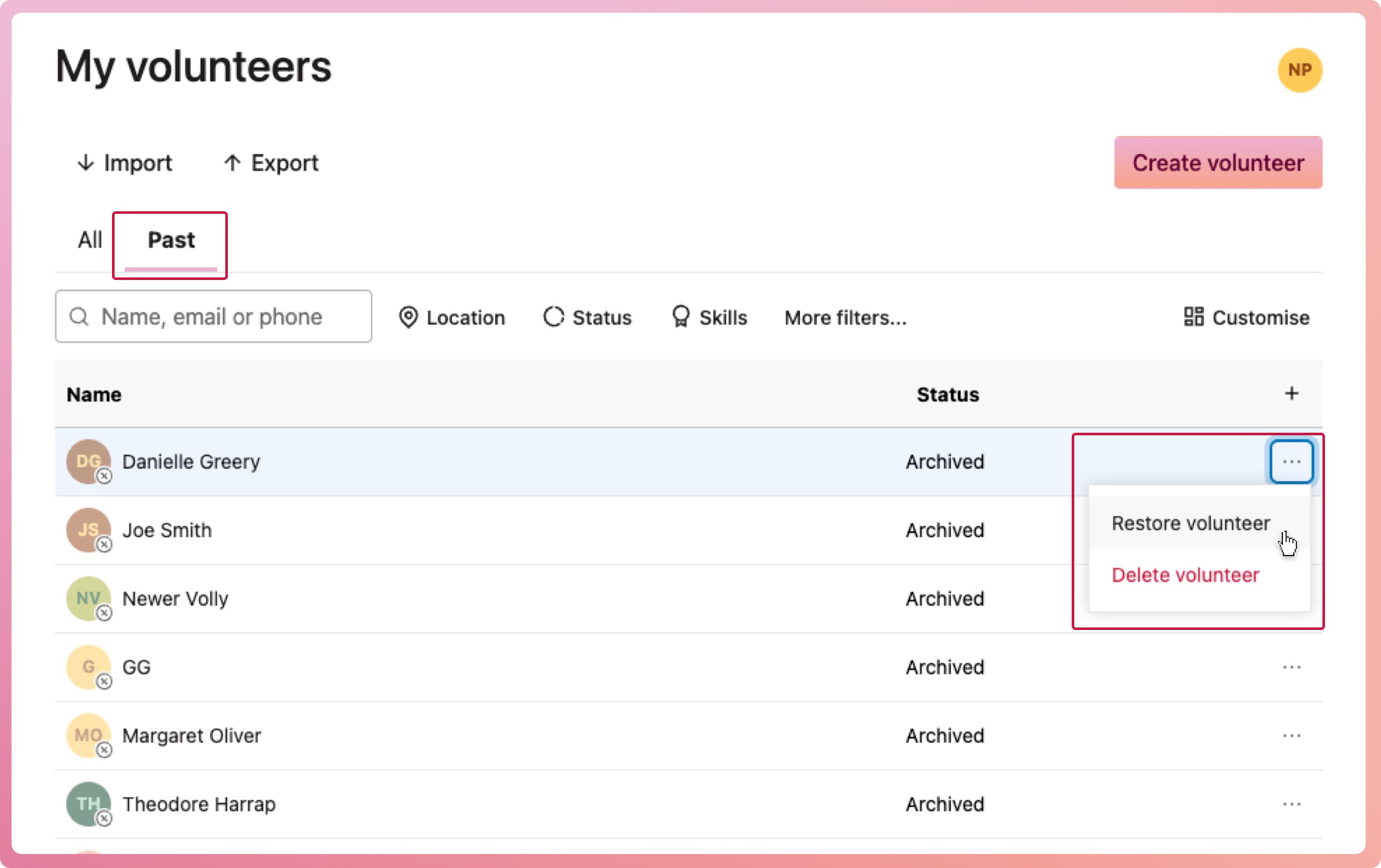
Navigate to My volunteers and select the Past tab
-
Find the volunteer who is to be restored
-
Select the context menu button (three dots) located on the right-hand side of their row, then select Restore volunteer
-
When the confirmation modal appears, select Restore volunteer. You may be prompted to add them back to programs they were previously in.