
Sent messages
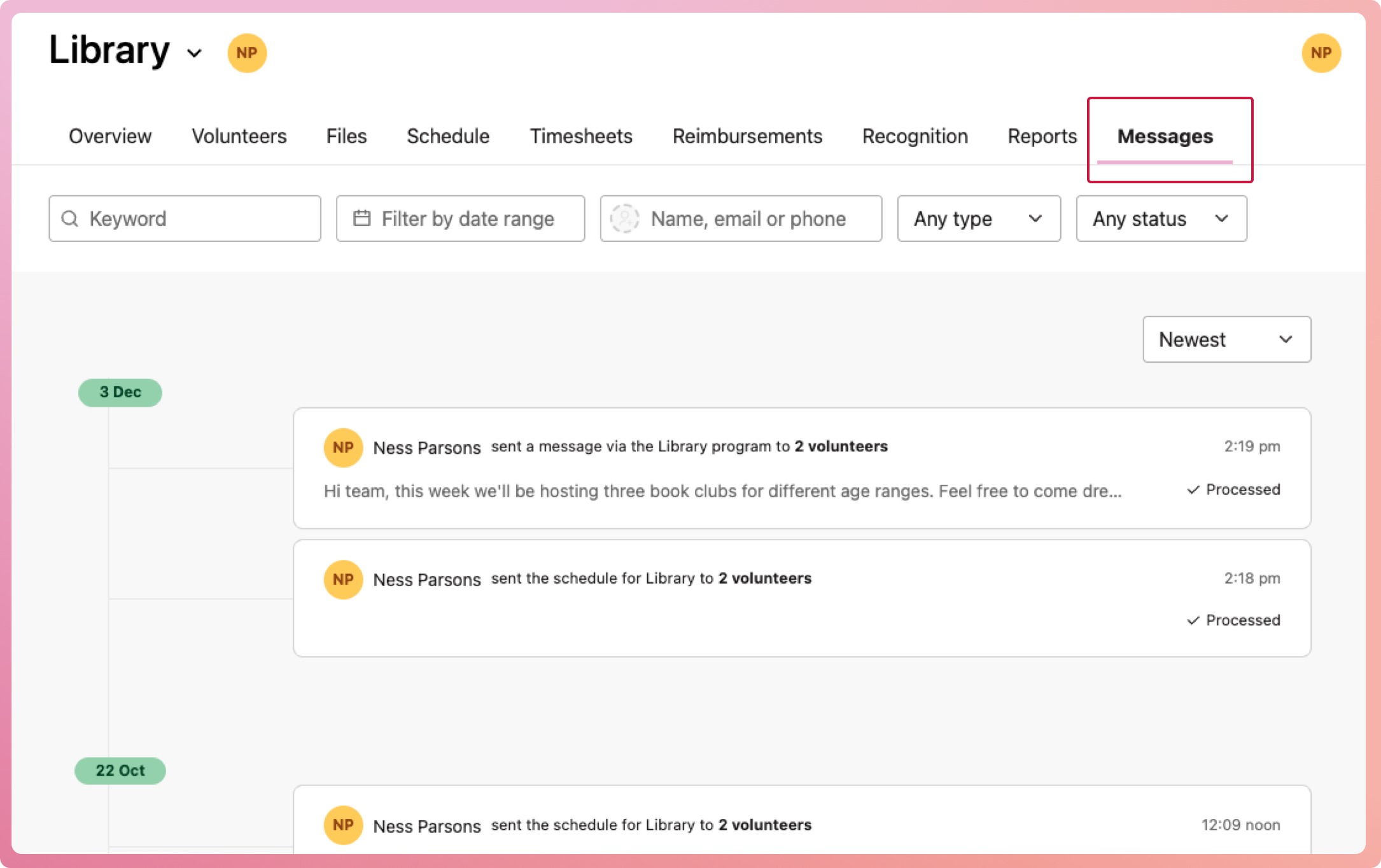
Messages tab
INVOLVE lets you see all messages sent to volunteers in the app. Track when and what was sent to whom via the Messages tab, available at the organisation, program, and volunteer record levels.
Filter messages by keywords, a date range, a volunteer, the type of message or the message status to find what you're after.
Organisation-level messages
View all messages sent across a particular program. Not available to staff with a Program Coordinator role.
-
Navigate to My organisation
-
Select the Message tab
-
Select a message to bring up the details
Program-level messages
View all messages sent across a particular program.
-
Select a program
-
Navigate to the Message tab
-
Select a message to bring up the details
Volunteer-level messages
View all messages sent to a specific volunteer.
-
Select the volunteer from a volunteer list
-
Navigate to the Message tab
-
Select a message to bring up the details