
Update a volunteer's certificate information
Update the details or remove a certificate from a volunteer's record:
- From the list of volunteers (either your organisation volunteers or program volunteers), select the volunteer to bring up their record
- Navigate to their Profile tab
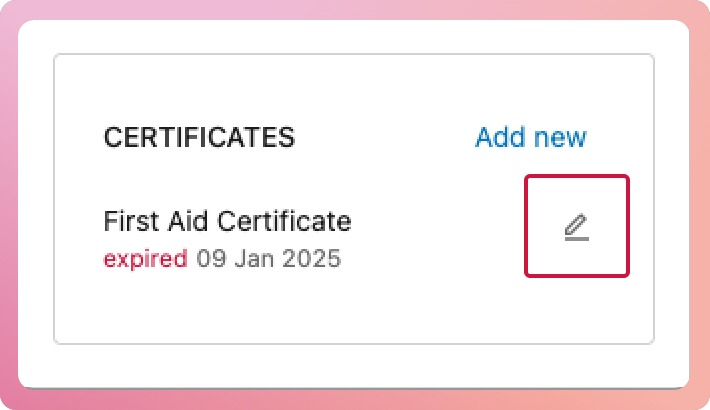
- In the Certificate box, select the edit icon next to the certificate
- Update the required fields, then select the Save button at the bottom of the modal to finalise the update.
Note: If you are using certificate file storage, uploading a new certificate will replace the old one. The old version will be kept as a historical version and can be viewed from the files tab.
Storing of certificate files
If you upload a certificate file when adding your volunteer's certificates, it will also appear under the volunteer's files.
- Navigate to My Volunteers
- Search and select the volunteer to bring up their profile
- Select the Files tab to view the volunteer's uploaded certificate.
Older versions of certificates can be viewed from here.
✋🏼 Careful: We recommend not uploading certificate files to increase the security of their personal data. Use the reference field instead to store either the certificate number or where you stored it offline.