Date formats are not displaying correctly
Why am I seeing the American date format?
The date format you see in INVOLVE is determined by your browser's or operating system's settings. So if you are seeing the date format displayed the American way your language may be set to United States english.
Changing the date format
Adjust the language and region settings in your bowser and/or your operating system
Changing your browser language setting
-
Chrome: Go to Settings > Advanced > Languages. Add or change your preferred language
-
Firefox: Go to Preferences > General > Language and Appearance. Choose your preferred language
-
Edge: Go to Settings > Languages. Add or change your preferred language
Changing your operating system language setting
-
macOS: Go to System Preferences > Language & Region. Change the region and language
-
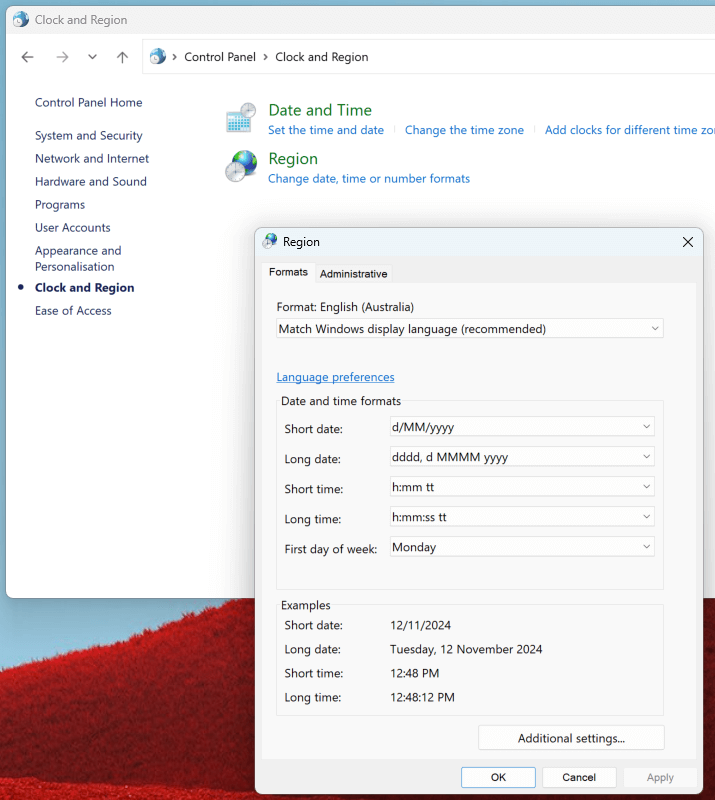
Windows: Go to Control Panel > Clock, Language, and Region > Region. Change the format in the "Formats" tab